How to Track Expenses on WhatsApp with AI (2026 Guide)
Quick answer: To track expenses on WhatsApp, save a finance bot's number (like Chanchito), send a plain-language message such as "lunch 12 usd" or a voice note, and let the AI extract the amount, currency, and category. The expense is logged automatically and visible in a web dashboard within seconds — no separate app, no forms.
If you have ever stopped using a budgeting app after a week, you are not alone. The number-one reason people quit personal finance tools is friction: opening the app, picking a category, typing the amount. WhatsApp removes all of it.
Why WhatsApp is the best place to log expenses
WhatsApp has over 2 billion monthly active users, and most of us check it dozens of times a day. Using it as the entry point for your finances means:
- No new app to install. You already have it open.
- Zero learning curve. If you can send a text, you can log a transaction.
- Voice notes work too. Useful when you're driving or in a hurry.
- AI does the categorization. You don't choose "Food > Restaurants" — the model infers it.
How AI expense tracking on WhatsApp works
Here is the typical flow with an AI-powered finance bot:
- You send a message. Example:
Uber to airport 28 usd. - The AI parses it. It extracts the amount (28), currency (USD), category (Transport), and timestamp.
- You get a confirmation. The bot replies: "Saved: $28 USD — Transport ✅".
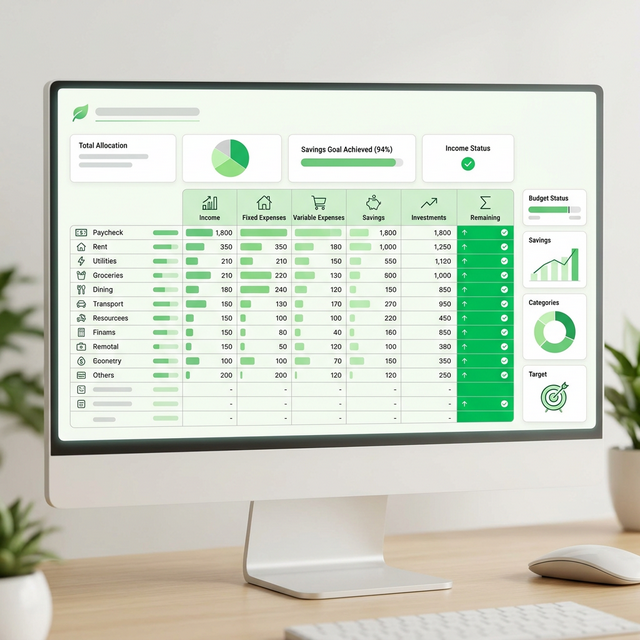
- The data syncs to your dashboard. You can see charts, monthly totals, and budgets on the web.
!TIP You can also send a photo of a receipt and modern bots will OCR the amount and merchant — no typing required.
What kind of messages work?
Most AI finance bots understand free-form natural language. Examples that all work:
- "Coffee 4.50"
- "Spent 60 dollars on groceries at Whole Foods"
- "Gas 45 usd"
- "Movie tickets $24"
- A voice note: "I just paid 30 dollars for the haircut"
Comparison: WhatsApp tracking vs. traditional apps
| Method | Time to log | App install | Learning curve | Works offline by SMS |
|---|---|---|---|---|
| WhatsApp + AI bot | ~3 seconds | No | None | Yes (with connection later) |
| Traditional budget app | 30–60 seconds | Yes | Medium | No |
| Spreadsheet | 1–2 minutes | No | High | No |
| Pen and paper | Variable | No | None | Yes |
Is it safe to send financial data through WhatsApp?
WhatsApp uses end-to-end encryption for every message. Reputable finance bots like Chanchito add a second layer: bank-grade encryption at rest, no sharing of your data with third parties, and the ability to delete your full history at any time. Your messages travel from your phone to the AI processor and nowhere else.
How to start tracking expenses on WhatsApp today
- Pick an AI finance bot that supports WhatsApp (Chanchito is the simplest).
- Save the number as a contact called "Money" or "Finance".
- Send your first expense — even a small one, just to get the habit.
- Open the web dashboard once a week to review categories and adjust your budget.
FAQ
Can I track expenses on WhatsApp for free?
Yes — Chanchito offers a free tier that lets you log unlimited messages and see your monthly summary. Paid plans add features like multi-account support, exporting to CSV, and budgets per category.
Does it work in multiple currencies?
Yes. Modern AI bots detect the currency from your message ("50 eur", "200 pesos", "10 usd") and store each transaction in its original currency, then convert to your home currency for the dashboard view.
Can I log expenses by voice?
Yes. Send a WhatsApp voice note; the bot transcribes it and processes it the same way as text. This is the fastest method when you're on the move.
Does the AI ever get the category wrong?
Occasionally. When it does, you can reply with a correction (e.g. "actually that was Transport, not Food") and the system both updates the record and learns your preferences for next time.
What if I want to track shared expenses?
Some bots support group chats where multiple people log into the same budget — useful for couples, roommates, or small businesses. Check whether your tool supports a shared workspace.
The bottom line
If you've tried five budgeting apps and stuck with none of them, the problem isn't your discipline — it's the interface. Move your tracking into the place you already are, and your "consistency problem" mostly disappears.
Start tracking on WhatsApp with Chanchito for free →
Related reading:
Transform your finances in 30 days
Let Chanchito’s AI do the heavy lifting. Track your expenses on WhatsApp and take back control of your money today.
Start using Chanchito